 RecoiroQ

Built only for 9:16
RecoiroQ is an editor for short video and nothing else, built around the vertical clips people post to social apps.
RecoiroQ is an app for making short, vertical videos.
Stitch your clips, set vertical or
horizontal captions, and let a blur follow a face — no settings to puzzle over, just a
quick and simple edit.
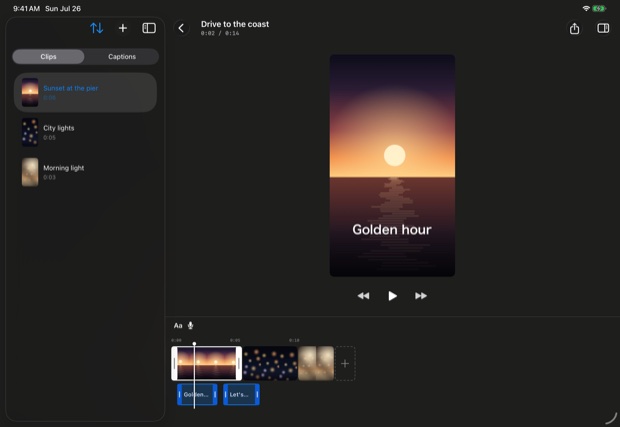
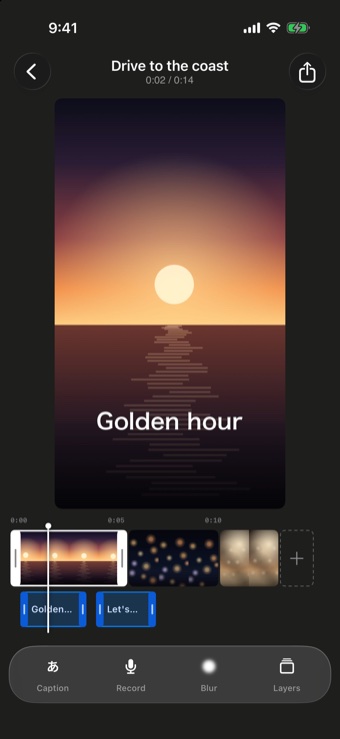
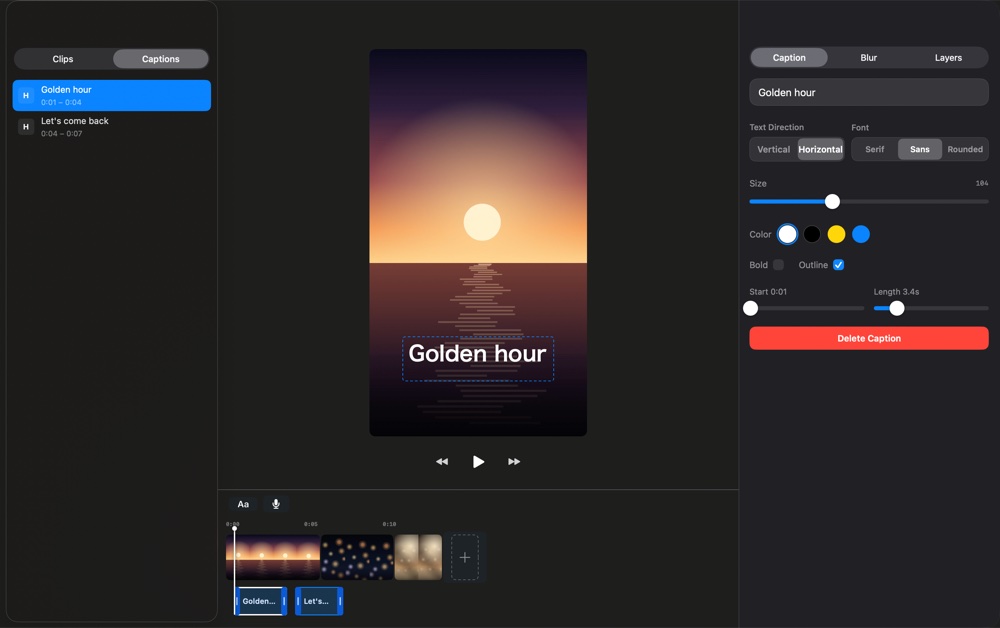
Everything you need to make a short video quickly, and nothing you don’t.
RecoiroQ is an editor for short video and nothing else, built around the vertical clips people post to social apps.
Pull several videos in from your library, line them up, and drag a clip edge to trim. They are joined in order and exported as a single file.
Vertical or horizontal Japanese text, in mincho, gothic or rounded gothic, with size, colour and outline. Drag it into place right on the preview.
Faces are found automatically on your device, and the blur follows them as they move. Pick mosaic, circle or square. Tap a face to keep that person unblurred — or draw the area yourself.
Record a voice-over on the spot and lay it over your video. Clip audio ducks automatically while you speak, so your voice never gets buried.
An interface that suits each device, so you can edit wherever you happen to be — keyboard shortcuts included.
Every editing feature is free. The only difference with Pro is whether a small watermark appears on what you export.
Free
Straight after download
RecoiroQ Pro No watermark
Monthly · Yearly
Prices are shown in the App Store and vary by region. Subscriptions renew automatically unless cancelled at least 24 hours before the end of the period, and can be managed or cancelled at any time in your App Store account settings. Purchases are handled by Apple.
The editing features are identical. The free version adds a small “Made with RecoiroQ.com” watermark near the top-right of the exported video; Pro removes it.
Yes. As long as you are signed in with the same Apple Account, tap “Restore purchases” in the app.
You can export a project as a single .recoiroq file and move it yourself via AirDrop or the Files app. Baked blur results are left out of the file and rebuilt on the receiving device.
~/Library/Containers/com.recoiroq.app/Data/Documents/RecoiroQ/Projects/.Automatic detection is not perfect. Profiles, backlight, small or partly hidden faces can be missed. Always play the exported video back in full and check before you publish, and add a manual blur area where you need one.
Yes. Landscape material is fitted into the 9:16 frame with bars above and below. Portrait material fills the frame, so anything wider than 9:16 — 4:5, for example — is cropped at the sides. The output is always 9:16.
Import, stitch, caption, export a vertical video
Free to start